Raster to CAD Fundamentals
Understanding the Raster to CAD Challenge
CAD
IMG
Pixel-Based Documentation
What Are Raster Images?
Raster images are pixel-based files like JPEGs, PNGs, or TIFFs. In industrial settings, these often include scanned architectural drawings, site photographs, or legacy documentation that exists only in paper format.
!
Limited scalability without quality loss
!
Difficult to edit or modify
!
Not compatible with modern design software
CAD
Editable Vector Intelligence
The CAD Advantage
CAD files are vector-based, offering precise measurements, easy editing capabilities, and seamless integration with modern engineering workflows. They're essential for accurate renovation planning and execution.
VECTOR
READY
✓
From Static Image to Usable Design Data
CAD Conversion Turns Legacy Files into Modern Project Assets
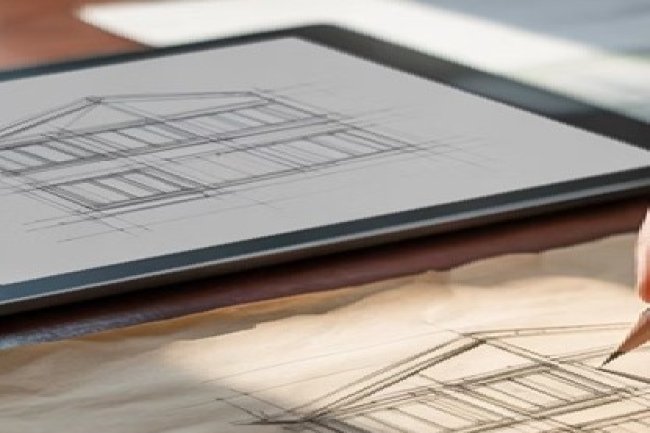
Raster files help teams view old information, but CAD files help teams use that information. Converting raster documentation into editable CAD drawings improves accuracy, supports renovation workflows, and prepares legacy plans for modern engineering coordination.
Raster to CAD Value Drivers
Why Raster to CAD Conversion Matters
DIM
Exact Digital Measurements
Accuracy & Precision
CAD files provide exact measurements and scaling, eliminating guesswork that can lead to costly errors during renovation projects.
EDIT
Editable Vector Workflow
Design Flexibility
Vector-based CAD files allow for easy modifications, layer management, and integration with other design tools throughout the project lifecycle.
TEAM
Shared Digital Documentation
Collaboration Enhancement
CAD formats enable seamless sharing between architects, engineers, contractors, and other stakeholders using standardized file formats.
Industrial Renovation Planning
Common Industrial Renovation Scenarios
CAD
PLANT
✓
Why Raster to CAD Matters in Industrial Renovation
Complex Existing Structures Need Reliable Digital Documentation
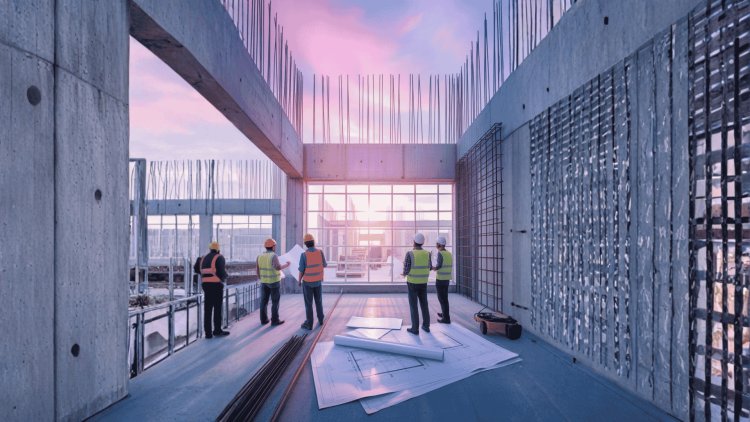
Industrial renovation projects typically involve complex existing structures where original drawings may be outdated, damaged, or simply unavailable. These scenarios make raster to CAD conversion essential for project success.
OLD
Paper Drawings to Digital Assets
Legacy Documentation
Converting decades-old paper drawings into workable digital formats helps teams support facility upgrades, expansions, maintenance planning, and renovation coordination with accurate CAD documentation.
CODE
SAFE
Plans Ready for Current Requirements
Compliance Updates
Modernizing existing plans helps teams meet current building codes, safety regulations, accessibility requirements, and construction standards during renovation work.
BIM
CAD Files That Fit Modern Workflows
System Integration
Creating compatible drawings enables integration with modern BIM workflows, project management systems, estimation tools, and coordinated design platforms.
Raster to CAD Workflow
The Conversion Process: Step by Step
CAD
PLAN
Project Review and Requirement Setup
Assessment & Planning
Evaluate the quality and completeness of existing raster images, identify missing information, and establish project requirements before conversion begins.
↓
CLEAN
Preparing Raster Files for Accuracy
Digital Cleanup
Enhance image quality, remove artifacts, and prepare files for accurate conversion using specialized software tools.
↓
VECTOR
Raster Geometry to Editable CAD Objects
Vectorization
Convert raster elements to precise vector format, ensuring dimensional accuracy and proper scaling throughout the process.
EXPERT
CAD
✓
Expertise Makes the Difference
Professional Conversion Prevents Costly Project Delays
The conversion process requires expertise in both legacy drawing interpretation and modern CAD standards. Professional teams, like those at Consac, bring years of experience in handling complex industrial renovation projects where precision and attention to detail make the difference between project success and costly delays.
Raster to CAD Technology Stack
Technology Tools and Best Practices
TOOLS
Essential Software Solutions
The Right Tools Create Faster, Cleaner, and More Accurate CAD Output
CAD
Primary Drafting Environment
AutoCAD & Similar Platforms
Industry-standard CAD software provides robust tools for creating precise technical drawings from raster sources. These platforms support accurate vector drafting, layer organization, scaling, annotation, and downstream coordination.
02
02
Image Cleanup and Preparation
Raster Processing Tools
Specialized software helps clean up, enhance, align, and prepare scanned images for accurate conversion workflows. Better raster preparation improves tracing accuracy and reduces rework.
03
03
Verification and Delivery Confidence
Quality Control Systems
Verification tools ensure dimensional accuracy, completeness, layer consistency, and drawing quality throughout the conversion process before final CAD delivery.
Raster to CAD Risk Prevention
Avoiding Common Pitfalls
RISK
SCALE
Prevent Compounding Measurement Errors
Scale Inconsistencies
Always verify and establish proper scaling before beginning conversion. Incorrect scaling can compound errors throughout the entire renovation project.
FIELD
CHECK
Verify What the Scan Cannot Show
Missing Critical Details
Supplement raster conversions with field verification when possible. Some details may be unclear or missing from original drawings.
FILE
Confirm Software and Workflow Fit
Format Compatibility Issues
Ensure converted files work seamlessly with your team's existing software ecosystem and project management workflows.
START
RIGHT
✓
Quality Upfront Prevents Problems Later
Get the Conversion Right from the Start
Remember: The quality of your conversion directly impacts every subsequent phase of your renovation project. Invest time in getting it right from the start.
Raster to CAD Renovation ROI
Maximizing ROI on Your Renovation Investment
ROI
30
TIME
30%
Faster Design Phase
Time Savings
Average reduction in design phase duration when working with accurate CAD files versus raster images.
15
15%
Fewer Field Conflicts
Error Reduction
Decrease in field conflicts and rework when projects start with properly converted technical drawings.
25
25%
Better Team Coordination
Collaboration Efficiency
Improvement in team coordination when everyone works from standardized CAD formats.
ROI
CAD
✓
Build Renovation Success on Accurate Digital Ground
Accurate CAD Conversion Strengthens Every Project Phase
Successfully converting raster images to CAD format sets the foundation for efficient, accurate industrial renovation projects. By investing in proper conversion processes and partnering with experienced professionals, you can avoid costly delays, reduce errors, and ensure your renovation project starts on solid digital ground.